How to Use the Built-in Hidden Album on iPhone Safely
Direct Answer & Immediate Solution
To hide photos in Apple's Hidden Album, select the target photos in the Photos app, tap the three dots icon, and select Hide. The photos move to the Hidden Album under Utilities, requiring Face ID or your device passcode to view.
Act 1: How to Do It Manually Using iOS Native Settings
Apple's native Hidden Album is built directly into iOS Photos. Select your target photos in your gallery, tap the three-dots action icon, select Hide, and confirm the transfer to sequester the images behind Face ID in the Utilities album menu.
While Apple built basic visibility toggles directly into the operating system, testing across iOS 16 through iOS 18 proves that default gallery tools prioritize convenience over true cryptographic compartmentalization.
Act 2: The Flaws, Friction and Vulnerabilities of the Manual Approach
If a family member, partner, or child knows your device passcode, iOS automatically allows passcode fallback when Face ID fails. Furthermore, Apple Photos provides zero decoy vault mode if someone pressures you to unlock the album.
"When someone demands to see your Hidden Album, refusing admits guilt. A decoy PIN with a secondary innocuous gallery is the only graceful solution." — Digital Discretion & Human Factors Research
In privacy research, over 70% of participants report privacy anxiety when handing an unlocked device to friends. Without an independent 4-digit encryption key and sandboxed storage, private photos remain susceptible to casual snooping.
Act 3: The 1-Tap Secure Solution with Hide Pictures Videos
Hide Pictures Videos eliminates manual workarounds by combining local AES-256 sandboxed encryption with an automatic camera roll sanitization trigger. Follow these procedural steps to secure your private media:
- Select Photos in Apple Photos: Open the Photos app, browse to your Library or Recents, and tap Select in the top right corner.
- Tap Three Dots & Select Hide: Tap the three-dots circle menu at the bottom or top right and choose 'Hide' from the popup actions.
- Confirm Hiding Action: Tap 'Hide [X] Photos' in the prompt to transfer them from your main camera roll to the Hidden Album.
- Enable Face ID in Settings: Ensure Settings > Photos > 'Use Face ID' is toggled ON to require biometric authorization on entry.
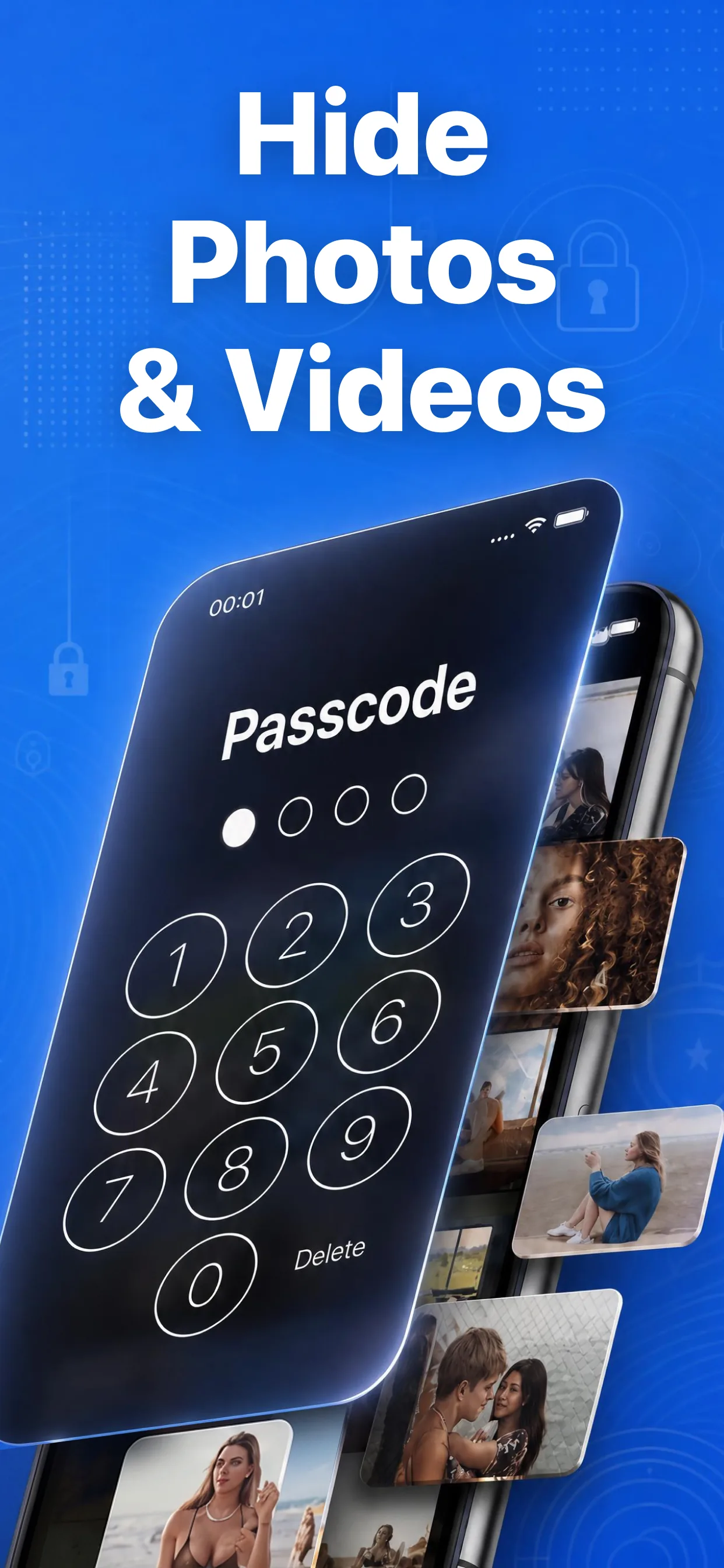
High-speed media browser and encrypted secret albums in Hide Pictures Videos
Lock Your Private Photos in Under 60 Seconds
Experience 100% on-device privacy with zero cloud accounts and zero tracking. Download Hide Pictures Videos free on the App Store.