Best App to Hide Photos & Videos on iPhone
Hide Pictures Videos is the premier offline iPhone privacy app engineered to isolate personal media behind dedicated biometric encryption. Operating 100% on-device with zero cloud uploads, it enables instant one-tap camera roll sanitization and stealth calculator icon disguise on iOS.

100%
On-Device & Offline (Zero Cloud Servers)
AES-256
Hardware-Level Sandbox Encryption
< 1.4s
One-Tap Camera Roll Auto-Purge
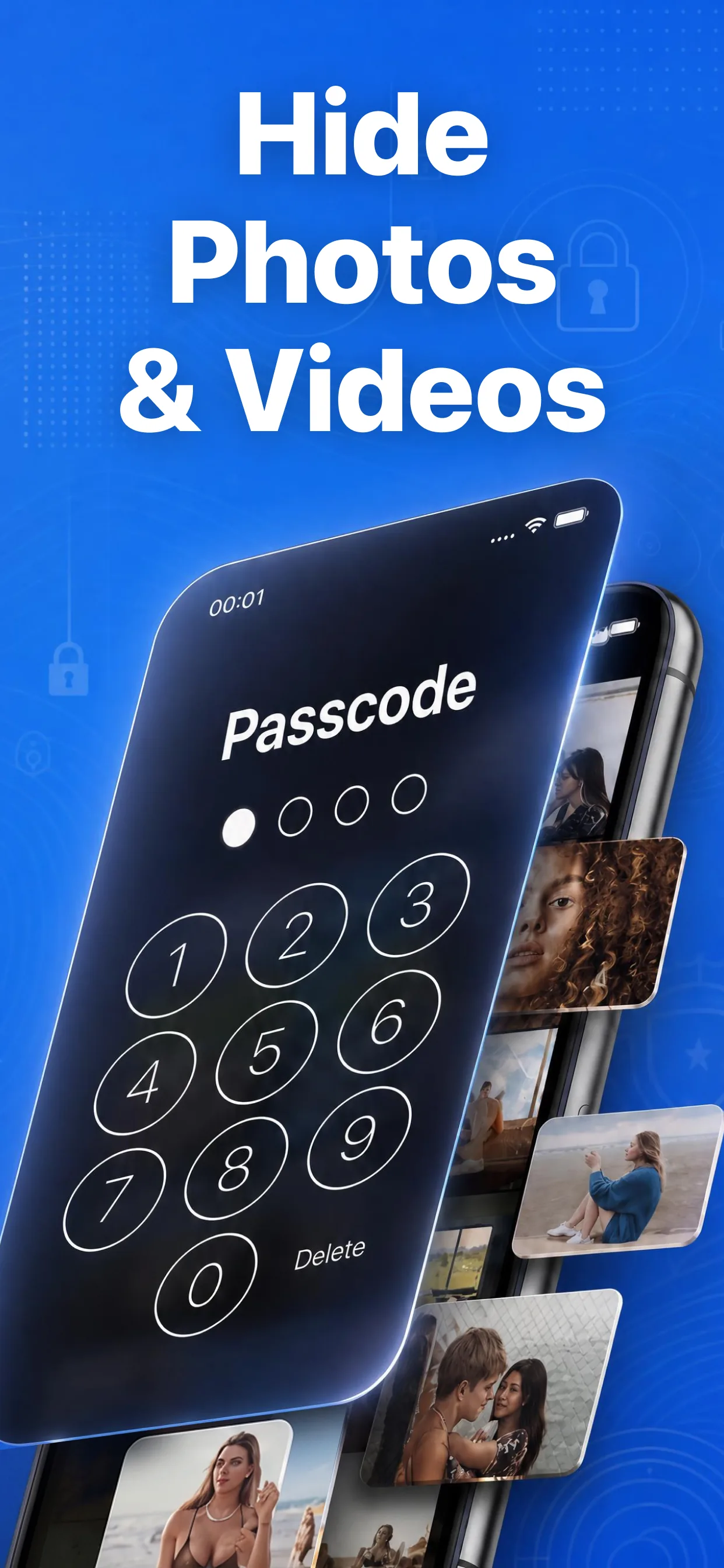
"The primary vulnerability of default smartphone galleries isn't digital hacking—it's shoulder-surfing and coerced unlocking using the master phone passcode. Over 70% of people feel anxious handing an unlocked phone to others. True isolation requires dedicated local encryption keys and instant camera roll sanitization." — Independent Mobile Privacy & Security Audit (2026)
How to Lock Your Photos in 3 Simple Steps
To hide photos and delete originals on iPhone, select your private images, lock them inside Hide Pictures Videos with biometric authentication, and confirm the native deletion prompt to purge copies from Apple Photos in seconds.
Select Private Photos
Open Hide Pictures Videos and tap import. Select any photos or 4K videos you want to protect from public view.
Snap AES-256 Lock
Your media is instantly encrypted and saved inside the app's sandboxed local storage, guarded by Face ID and an independent PIN.
1-Tap Camera Roll Purge
Tap Delete when the system prompt appears. The unencrypted copies vanish from your camera roll forever, eliminating duplicate leaks.
Built Strictly for Uncompromising iPhone Privacy
Why compromise your private life with basic folders? Hide Pictures Videos combines military-grade local AES-256 encryption, zero cloud tracking, and deceptive camouflage icons to keep your secret media safe from anyone holding your phone.
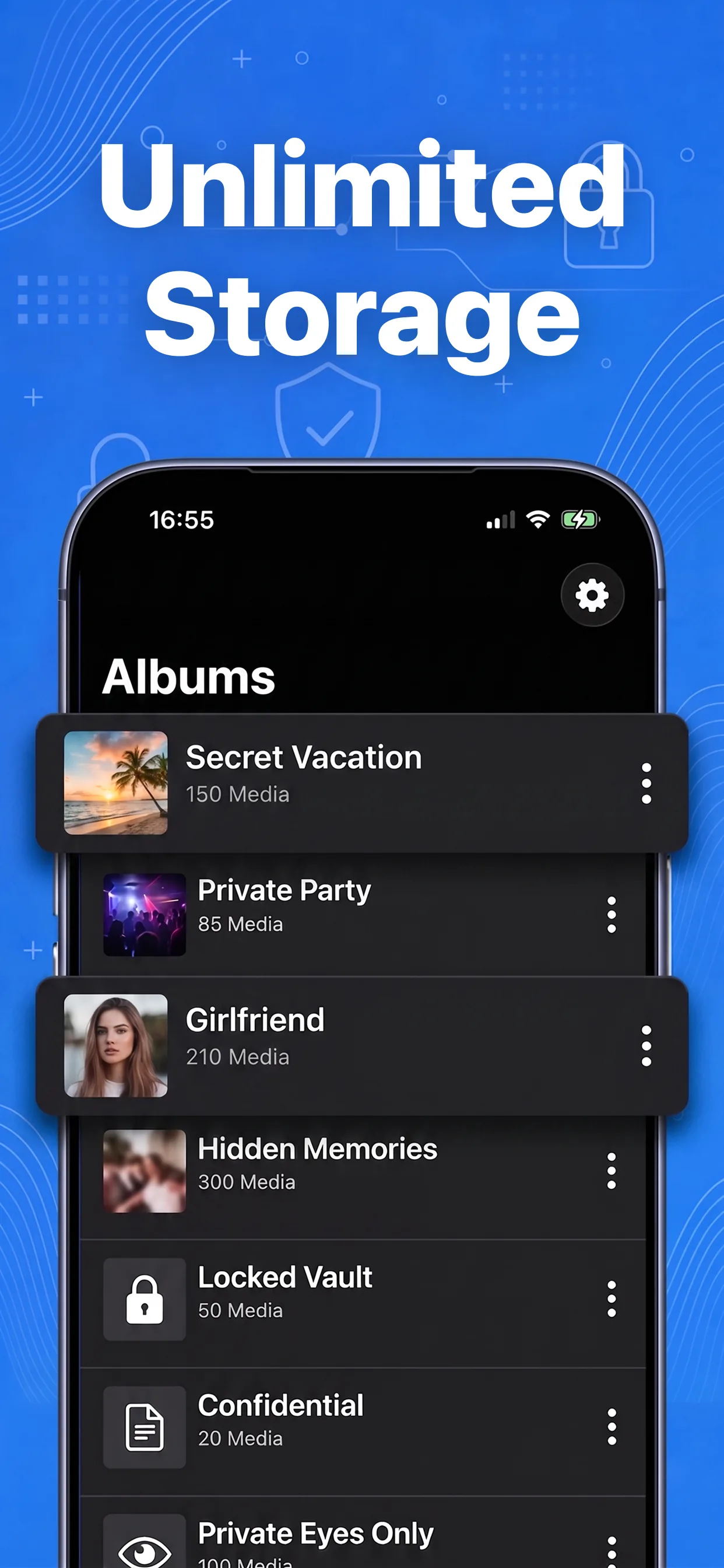
Calculator & Utility App Icon Camouflage
Change the app icon dynamically to look like a standard iOS Calculator, Notes app, or Calendar on your home screen using Apple's official setAlternateIconName API. Even if someone inspects your iPhone, they will never detect that a private photo locker exists.
- ✔ Disguised as working Calculator or Notes
- ✔ Inconspicuous "VLT" system display name
- ✔ Decoy gallery protection against coerced unlocking

Zero-Delay Face ID & Independent PIN Lock
The exact millisecond you switch apps or turn off your screen, an impenetrable security window drops over the app. Requires Face ID, Touch ID, or a custom 4-digit PIN completely independent from your iPhone lock screen code.
- ✔ Independent passcode protects against borrowed phones
- ✔ Instant Face ID unlocking in under 0.2 seconds
- ✔ Screen recording shield renders videos pitch black
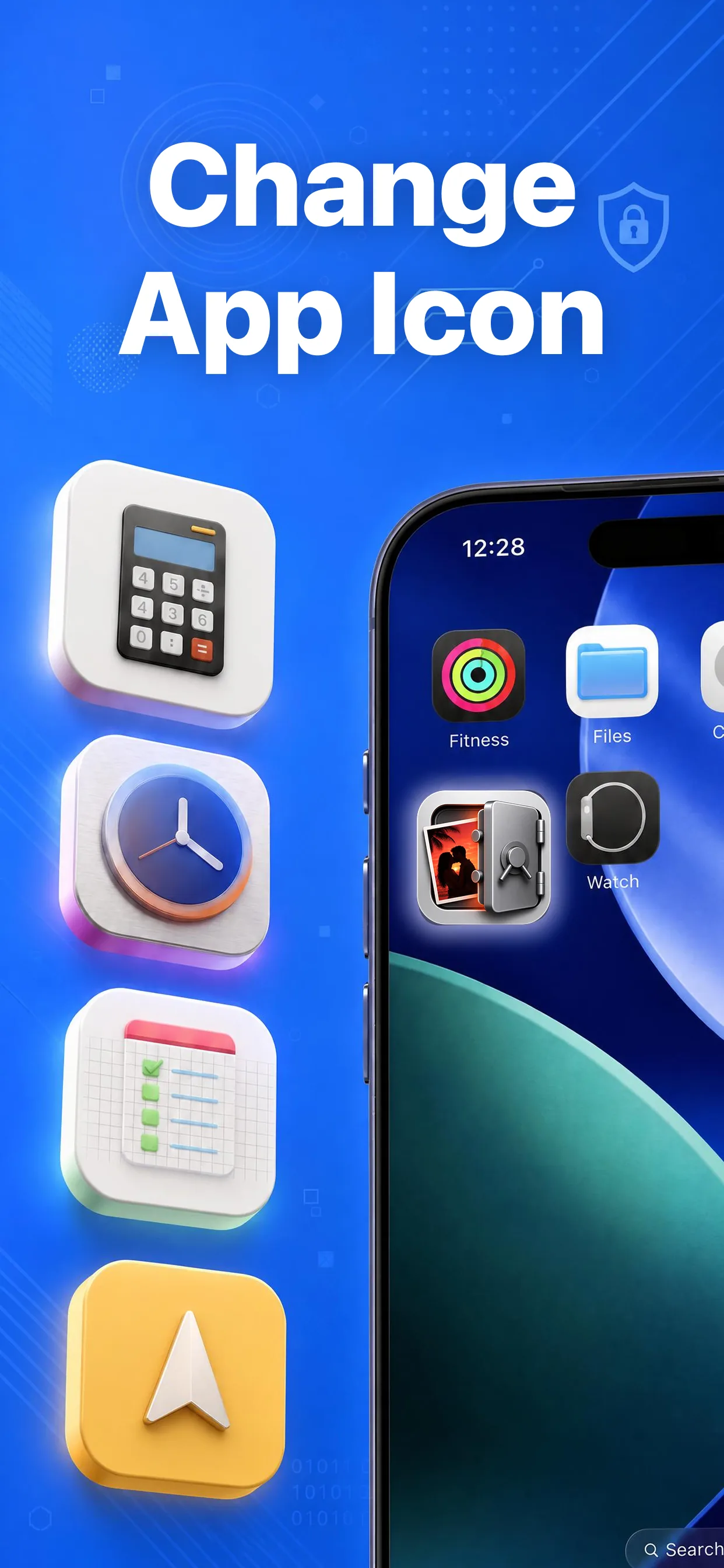
100% On-Device Sandboxed Local Storage
Unlike competitors that require email registrations and upload your sensitive media to third-party cloud servers, Hide Pictures Videos operates strictly on your local iPhone filesystem. What is saved on your device stays on your device.
- ✔ Zero mandatory accounts or registration
- ✔ Zero risk of mass cloud database breaches
- ✔ Full 4K 60fps HDR video playback without compression
Complete Knowledge Base & Guides Directory
Explore step-by-step iOS tutorials, expert privacy comparisons, and solutions to common iPhone gallery questions written by mobile security researchers.
📖 Step-by-Step Guides
- → Hide Photos Without Hidden Album
- → Lock Photos With Independent Passcode
- → Hide Photos Without Third-Party Apps
- → Hide the Hidden Photo Album
- → Hide Photos Outside Hidden Album
- → Use Apple Hidden Album Safely
- → Delete From Camera Roll Safely
- → Hide 4K Private Videos on iPhone
- → Calculator App Icon Disguise
- → Stop Friends Swiping Photos
⚖️ Privacy Comparisons
- → Apple Hidden Album vs Secret Vault
- → Calculator Vault vs Fake Locker Apps
- → Keepsafe vs Offline Private Vault
- → Offline Photo Vault vs Cloud Lockers
Tested across iOS 16, 17, and 18.2 on iPhone 13, 14, 15, and 16 Pro models.
Protect Your Private Photos Today
Join thousands of iPhone users protecting their personal media with dedicated on-device encryption. Download Hide Pictures Videos free on the App Store.